 MapleSpeak
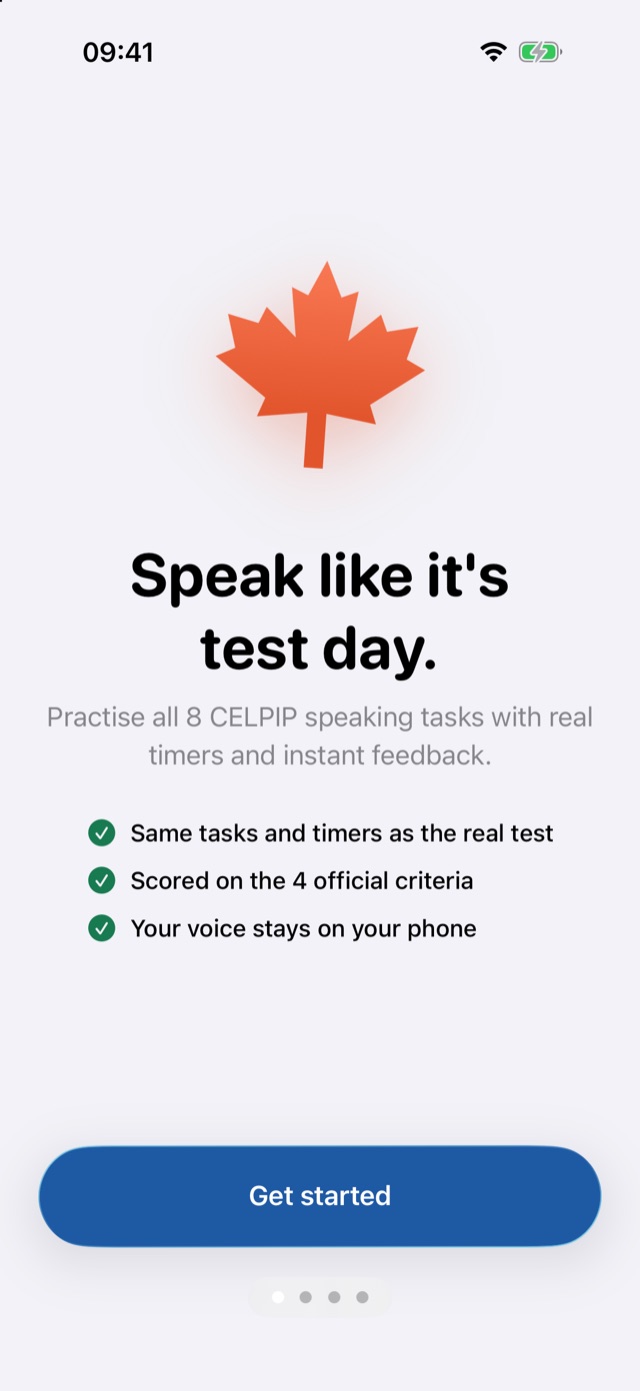
Speak like it's test day.
Practise every CELPIP speaking and writing task with real timers, then see your estimated CLB level and exactly what to fix.
- Same 8 speaking tasks and 2 writing tasks, same timers
- Scored on the 4 official criteria
- Your voice stays on your iPhone
Everything you need to reach your CLB goal
Built for people who need a score for immigration or citizenship, including those whose English isn't strong yet.
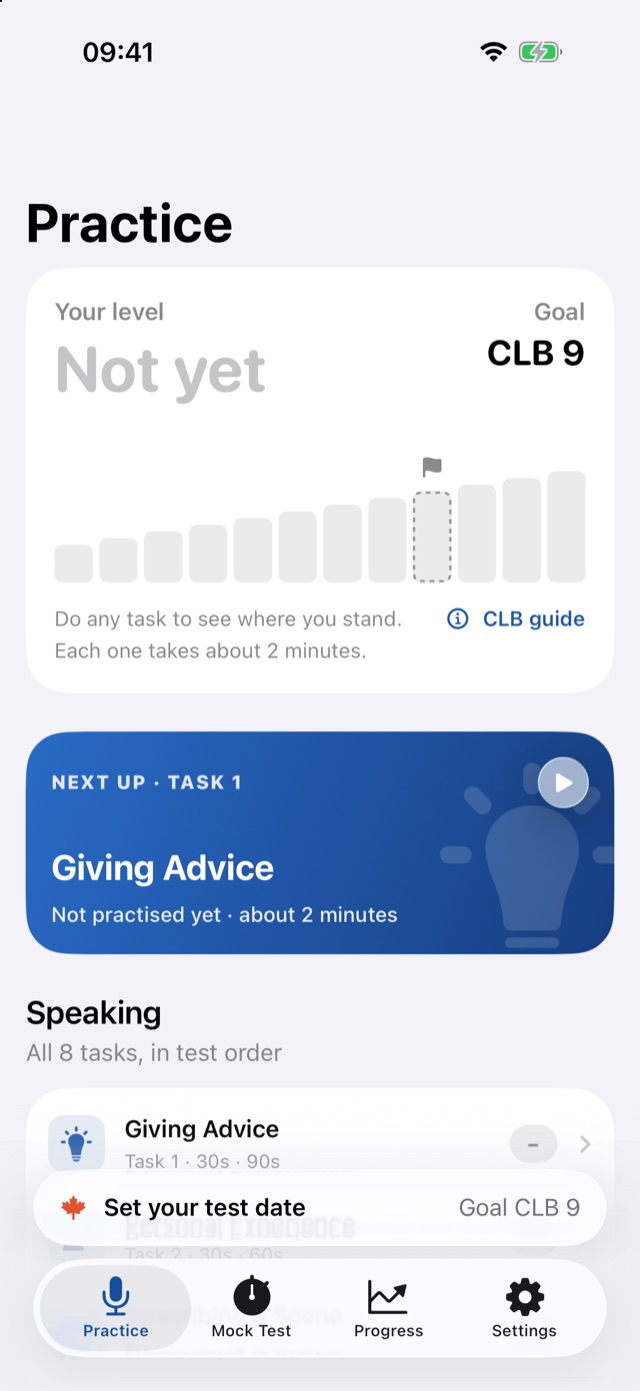
Real speaking tasks
All 8 tasks in test order, with the same preparation and speaking times as the real test.
An estimated CLB score
Each answer is rated on Content/Coherence, Vocabulary, Listenability and Task Fulfillment, with one clear next step.
Writing, timed
The email (27 min) and survey (26 min) tasks with a live word counter, starter phrases and drafts that wait for you.
Your answer, corrected
See your own words with each mistake fixed and explained, written privately on your iPhone.
Repeat after me
Listen to a strong answer sentence by sentence, say it back and see which words you got right.
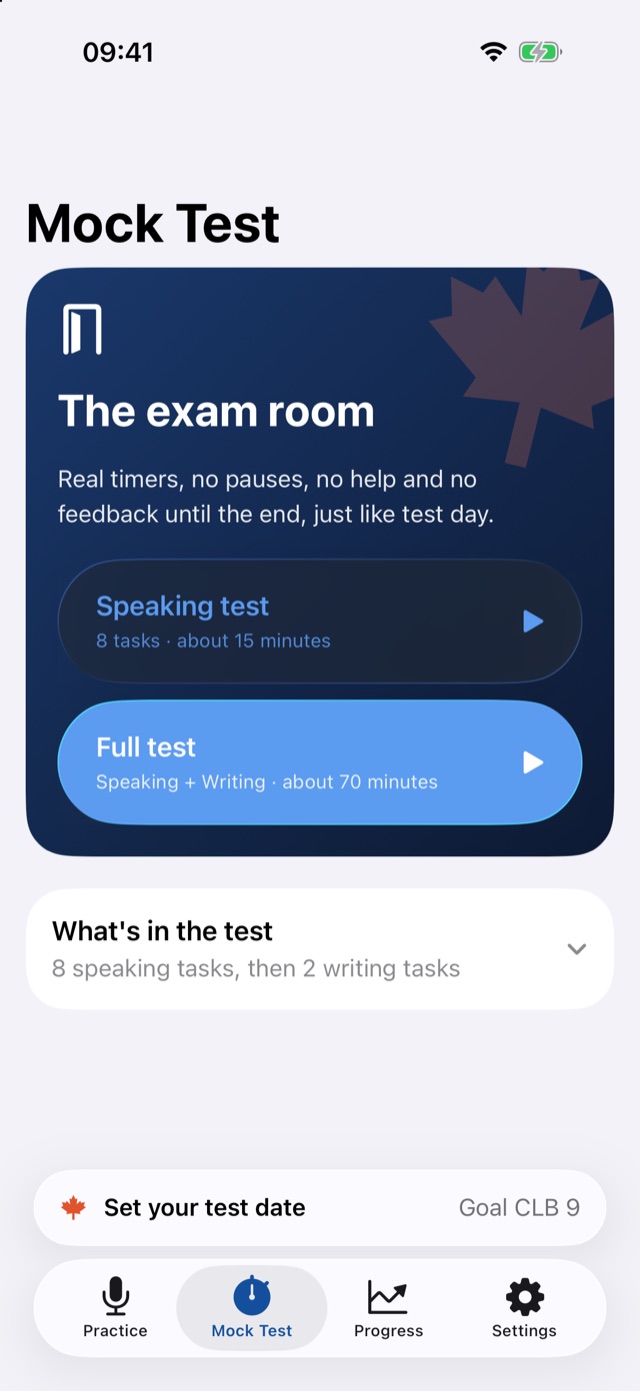
Full mock test
Speaking only (about 15 min) or speaking and writing (about 70 min), with a score report at the end.
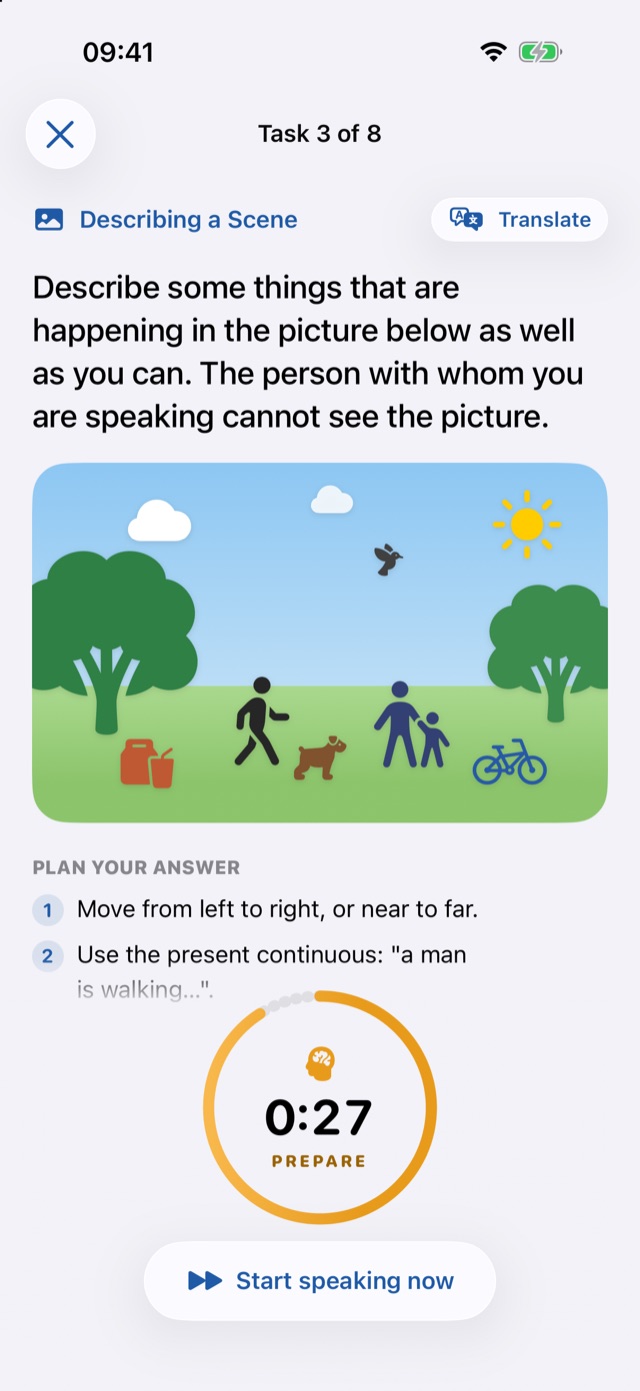
Translate any question
Not sure what a task asks? Read it in your own language, then answer in English.
Progress you can see
Your level, your weakest task and every answer, so each session goes where it counts.
Countdown and reminders
A home screen widget and a daily nudge, counting down to your test date.
The same format, task by task
Timings checked against the official CELPIP-General format in October 2026.
Speaking · about 15 minutes
- 1Giving Advice30 s · 90 s
- 2Talking about a Personal Experience30 s · 60 s
- 3Describing a Scene30 s · 60 s
- 4Making Predictions30 s · 60 s
- 5Comparing and Persuading60 · 60 · 60 s
- 6Dealing with a Difficult Situation60 s · 60 s
- 7Expressing Opinions30 s · 90 s
- 8Describing an Unusual Situation30 s · 60 s
Writing · 53 minutes
- 1Writing an Email27 min
- 2Responding to Survey Questions26 min
Both tasks ask for 150–200 words. Preparation and speaking times are shown as prepare · speak. Source: celpip.ca.
Two minutes a task
Prepare
Read the task, follow the three-step plan and tap a starter phrase to hear it.
Speak
Answer when the timer starts, just like the test. Your voice is turned into text on your iPhone.
Improve
Get your estimated level, your next step, a corrected answer and a better answer to repeat.
Clean, calm and made for iPhone
Private by design
Your recordings never leave your iPhone. You decide whether the text of your answers is sent for AI scoring, and you can delete everything at any time.
Read the Privacy Policy →- On your iPhoneRecording, speech to text, corrections and translation.
- Only with your permissionThe text of an answer is sent to our server and the Jev AI service for a score.
- NeverAds, tracking or selling your data.
Questions
Is my score official?
No. MapleSpeak gives an estimate to guide your practice. Only the CELPIP test gives an official result, and it may differ.
Is MapleSpeak made by CELPIP?
No. MapleSpeak is independent and not affiliated with or endorsed by Paragon Testing Enterprises. The questions are written for MapleSpeak in the format of the test.
What CLB do I need?
Canadian citizenship asks for CLB 4 in speaking and listening (ages 18 to 54). Express Entry asks for at least CLB 7, and CLB 9 or more earns many more points. Always check the current rules on canada.ca.
My English is weak. Will it help?
Yes. Every task has a simple plan, starter phrases you can listen to, a translate button and a corrected version of your own answer.
Do I need an account?
No. You can practise straight away. Sign in with Apple only if you want your progress backed up.
Which devices does it work on?
iPhone with iOS 26 or later. Corrections need Apple Intelligence; everything else works without it.